
DiaKwant® Ki‑67 in breast
Hotspot and whole-slide proliferation indices.
HOW IT WORKS
From slide
to reviewable score.
Whole-slide image
Access the slide for quantification directly through your supported image management system.
Ki‑67
Hotspot and whole-slide proliferation indices.
Reviewable quantification result
The assay returns the score and supporting counts alongside the heatmap for expert review.
AVAILABLE ON




PUBLICATIONS AND ABSTRACTS
Evidence for Ki‑67.
Studies and congress abstracts listing Ki‑67 as a biomarker. The full list is on the Resources page.
All publications ↗︎End-to-end deep neural network for ER, PR and Ki-67 stained WSI automatic proliferation index (PI) quantification for breast cancer tissue
We develop an end-to-end pipeline based on a deep neural network for the quantification and assessment of nuclear biomarkers on stained WSI, i.e. ER, PR and…
Read more ↗︎End-to-End Deep Neural Network for Ki-67 Stained WSI Automatic Hotspot Detection and Proliferation Index (PI) Quantification for Breast Cancer Tissue
The advent of digitalisation of pathological laboratories and recent progress in artificial intelligence-driven computer vision emphasized the development of…
Read more ↗︎FAQ
Practical
questions.
01What does DiaKwant Ki‑67 quantify?
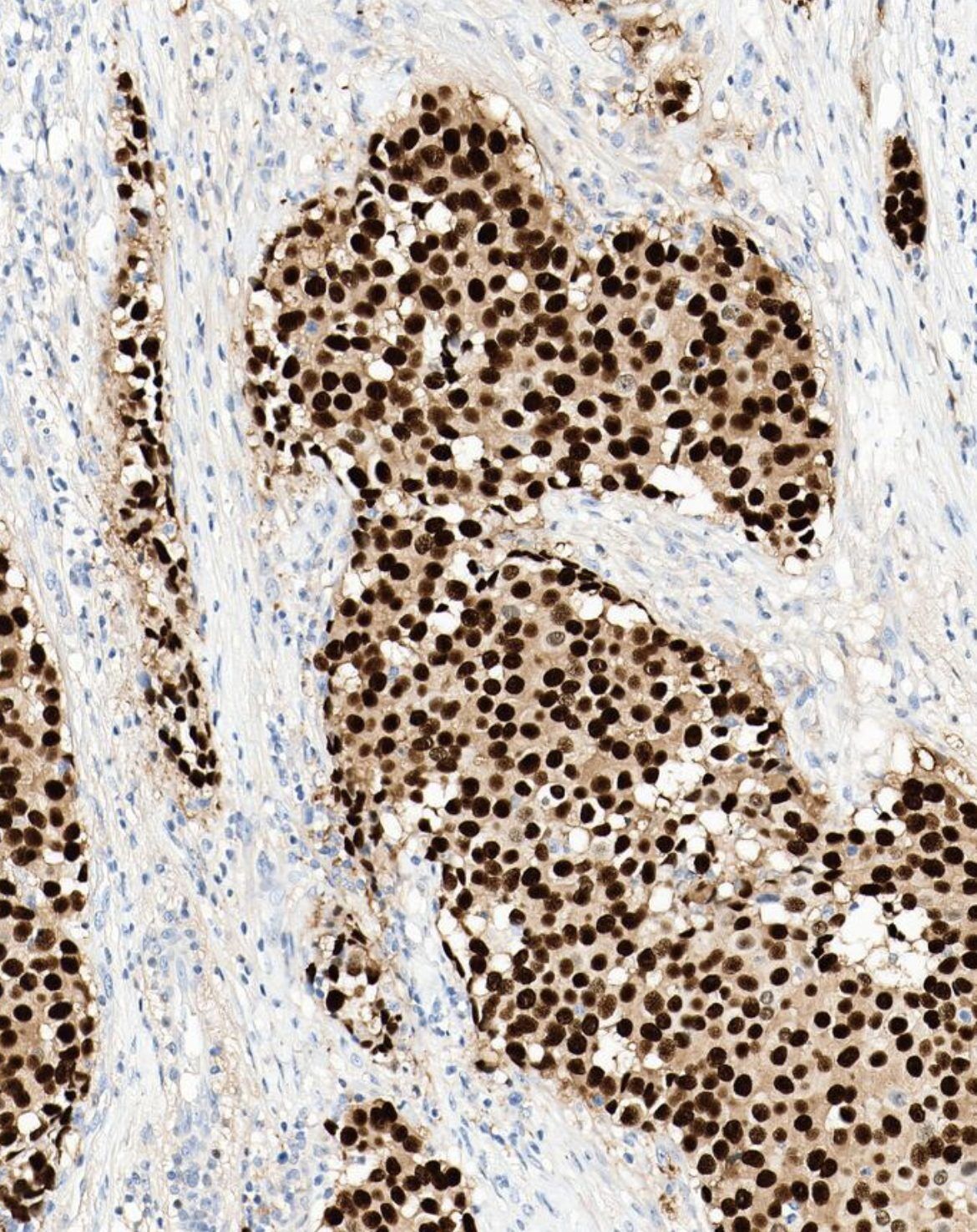
DiaKwant Ki‑67 quantifies the percentage of Ki‑67-positive tumor nuclei on breast carcinoma IHC whole-slide images.
02How are the hotspots selected?
The reportable result is based on the three most proliferative invasive areas identified on the slide.
03Which tissue type is covered?
The assay covers breast carcinoma IHC whole-slide images.
04What information can the pathologist review?
The pathologist can review a heatmap and the hotspot scores behind the reported result.
05Does DiaKwant replace the pathologist?
No. DiaKwant is a diagnostic aid. The result must be reviewed by a qualified pathologist, who retains full responsibility for the final interpretation and report.
06How can a laboratory confirm compatibility?
Technical compatibility depends on your laboratory's scanner and image management configuration. Contact the DiaDeep team to confirm compatibility for your validated setup.
CLUB QUANTI
See how DiaKwant® handles the cases you encounter in your practice.
Compare its findings with your own scoring on your slides.
Try it on your cases ↗︎Apply to Club Quanti ↗︎